Open. Paste. Quit.It's all still there.
The fast, simple Mac editor for anything you just need to put somewhere. Open a tab, paste or type, and leave. Nothing to name, nothing to save, no “save changes?” when you quit.
Buy Untitled · $4.99- One-time $4.99
- macOS 27 or later
- Apple silicon and Intel
- Under 1 MB
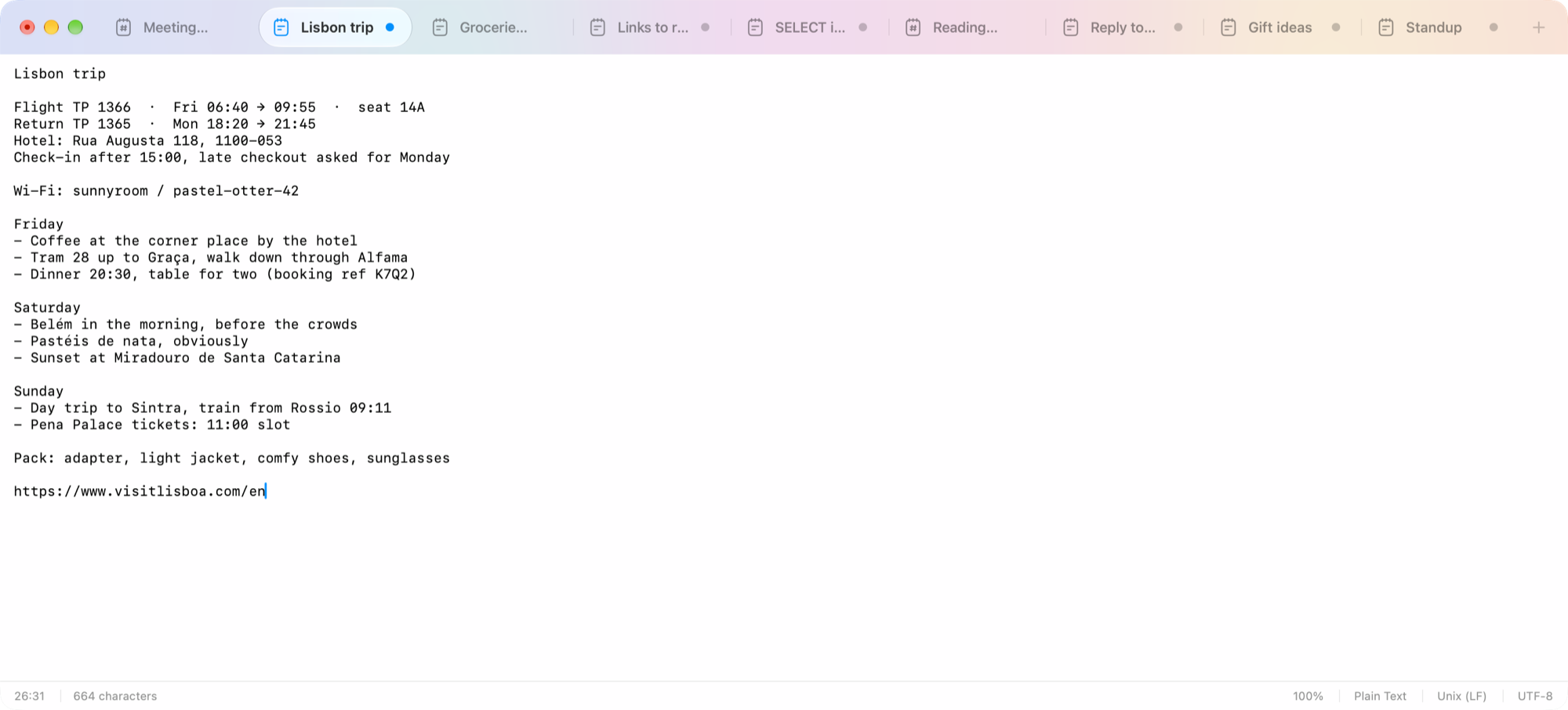
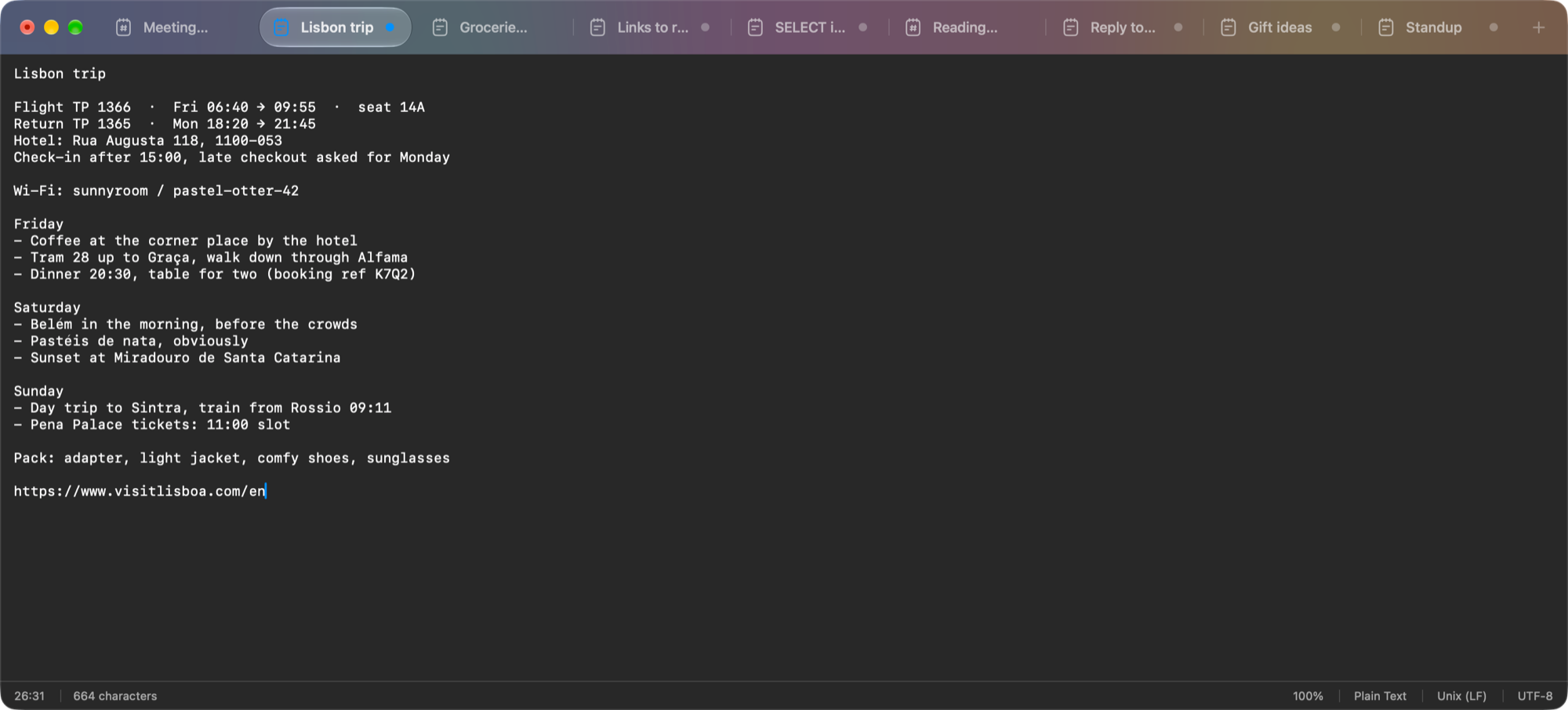
Quit with unsaved tabs.Nothing is lost.
Most Mac editors stop you from quitting while a tab is unsaved, and make you name a document before you can type. Untitled works like Windows Notepad always did: open it, write or paste, and walk away.
A stash, not a document
A link, a snippet, a draft, a number. Each tab is its own scrap, named by its first line. No filenames, no folders.
Open, and it's ready
No splash screen, no template picker. The cursor is already blinking. Even a 100 MB file opens and saves without stalls.
Quit any time
No save prompt, ever. Quit, restart or crash, and every tab comes back as you left it, saved or not.
Small and native
Under 1 MB, built with AppKit, not Electron or a web view. Dark Mode, VoiceOver and your accent color just work.
Simple.Not bare.
Your files are only changed when you choose Save, never automatically.
- Tabs in the titlebar Drag to reorder, switch with ⌃⇥ or ⌘1–9. Unsaved tabs are named by their first line.
- Every file as plain text Markdown, CSV and code open exactly as written, and Save keeps the file's name and extension.
- Any text file UTF-8, UTF-16 and older encodings, and every kind of line ending, are detected on open and kept on save.
- Find, replace and Go To Line ⌘F, ⌥⌘F and ⌘L.
- Reopen closed tabs ⇧⌘T brings back the last 20, with their text.
- Safe when files change If another app edits a file you have open, Untitled picks it up, or asks first if you have unsaved changes.
- Services Select text in any app and send it to a new Untitled tab.
- Yours to set up Font, theme and accent color. Spelling and autocorrect are off until you want them.
One price.Yours for good.
Pay once and Untitled is yours, updates included.
 Untitled for macOS
$4.99
one-time · no subscription
- One payment, no subscription
- Updates included
- Every feature, nothing locked
- 14-day full refund, no questions asked
- Apple silicon and Intel
- Under 1 MB, opens instantly
Requires macOS 27 or later. You get the download as soon as you've paid. Refund policy
Questions.
The short answers.
Where does my unsaved text go when I quit?
Untitled keeps it in its own folder in your Library and restores it next time. Your files are never changed until you choose Save.
Will it ask me to save when I quit?
Never. Quit whenever you like, and every tab is back next time. A file on disk is only written when you choose Save.
Which Macs does it run on?
Any Mac running macOS 27 or later, Apple silicon or Intel.
Is it a subscription?
No. It's one payment of $4.99, and updates are included.
What if it's not for me?
You can have a full refund within 14 days, no questions asked. See therefund policy.
How do I get the app?
You buy it first, then download the dmg and drag Untitled into Applications.